Generate images
Generate
Generate high-quality images using our latest AI models.
Generate higher-quality image directions from prompts and references, then keep refining, editing, and saving the paths that actually work.

Creative toolbox
From generating new images to perfecting every pixel—do it all in one place.
Generate high-quality images using our latest AI models.
Upscale and enhance your visuals.
Modify any image by asking.
Resize images with one click.
Our AI can handle complex details and preserve image quality at any scale.
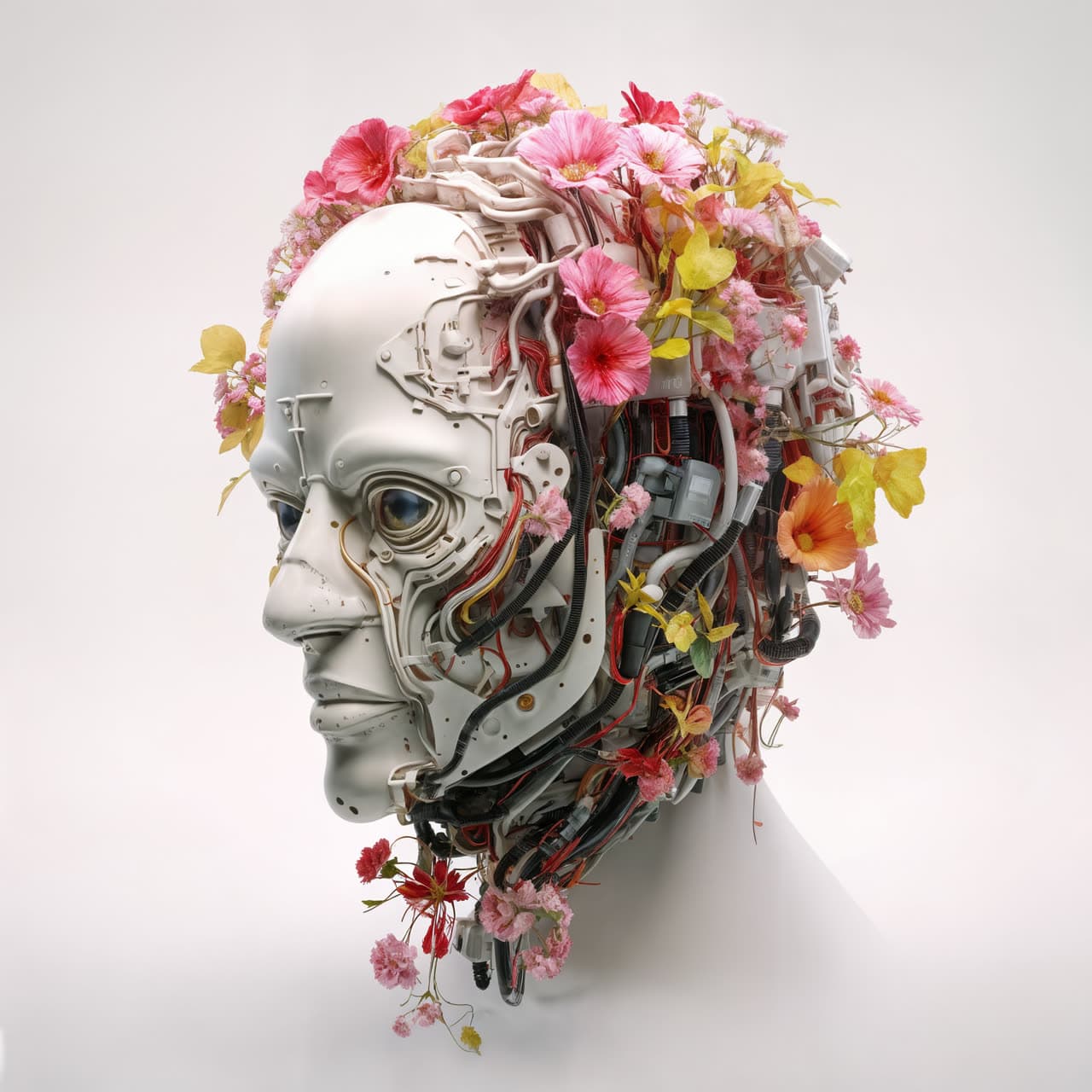
Whether you are exploring campaign imagery, character directions, or cinematic mood, the suite keeps the gallery flow close to the reference landing while tying it back to this app’s real generation workflow.








Reference, prompt generation, renders, edits, and saved history all stay in one calm loop.

You move from direction to render faster because the system is built around iteration, not setup overhead.

Once a prompt path works, your saved history makes it easy to restart from something strong instead of rebuilding.

Reference-led prompting helps preserve composition, tone, and intent when a plain text-only prompt is too loose.
Iteration
These cards borrow the blurred visual treatment from the reference components, but the value props are tuned around this workspace’s real strengths.

Bring an image, add your direction, and let the workspace sharpen the brief before you generate.
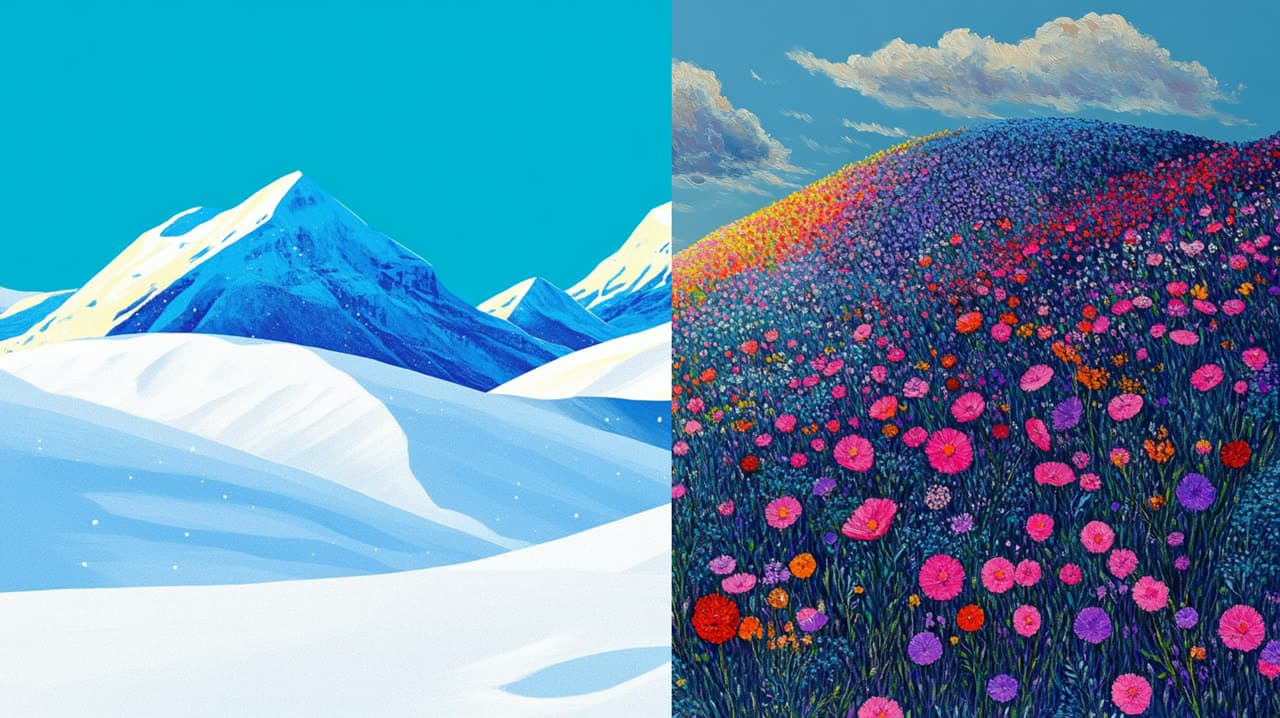
Generate multiple image paths from the same idea so creative choices stay visible and comparable.

When a render is close, keep iterating with lightweight edit prompts instead of restarting the whole process.
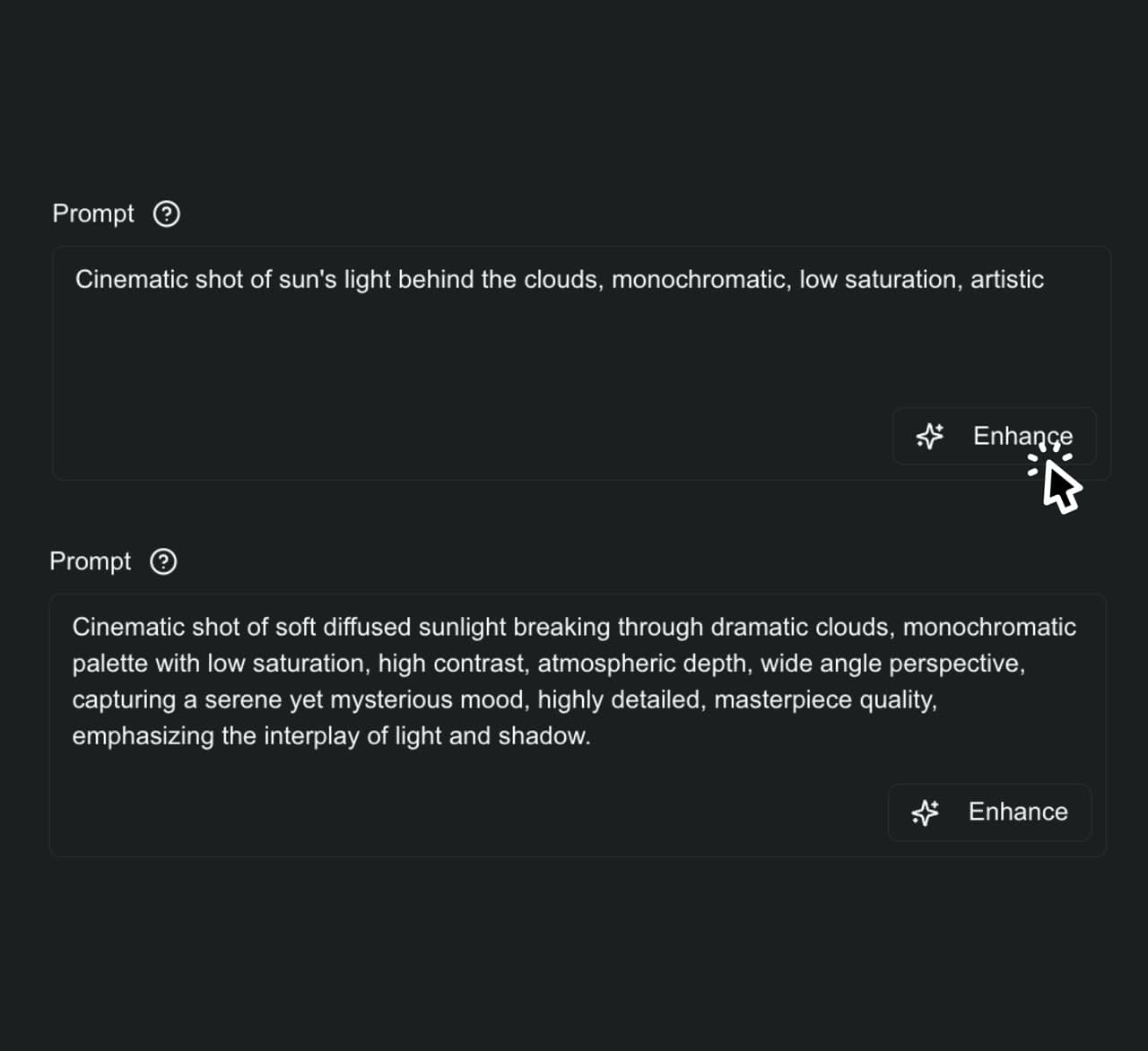
Prompt enhancement
This is the clearest carryover from the source side-feature pattern: use one strong image plus sharper direction to give generation a better starting point and reduce throwaway attempts.
Business pricing
Plans start at $40/month so the workspace stays focused on business users. Prompt directions are free; image, edit, upscale, and future Seedance video work use clear credits.
Subscription
$40/mo
For business users shipping recurring social, ad, and product visuals.
Included capacity
~166 default image actions
Subscription
$90/mo
For operators producing weekly campaign batches and premium variants.
Included capacity
~416 default image actions
Subscription
$180/mo
For heavier studios that need predictable monthly production capacity.
Included capacity
~833 default image actions
Top-ups
Polar checkout is being connected next.
Top-up 2K
$24
A focused refill for one campaign sprint or a few premium edits.
2,000 credits
About 66 Nano Banana 2 images
Or ~20 sec Seedance fast when video launches
Top-up 7K
$72
A practical refill for active production weeks and video tests.
7,000 credits
About 233 Nano Banana 2 images
Or ~70 sec Seedance fast when video launches
Top-up 18K
$168
For heavier studio pushes without changing the monthly plan.
18,000 credits
About 600 Nano Banana 2 images
Or ~180 sec Seedance fast when video launches
FAQ
The interaction model follows the reference FAQ section, but the answers are rewritten around this app’s auth, saved history, and image workflow.
It helps you move from a rough idea or reference image to stronger prompts, cleaner generations, and faster follow-up edits inside one workspace.
No, but the workflow is strongest when you already have a visual direction to anchor the prompt. You can still start with text and refine from there.
Yes. Saved history lets you revisit earlier runs, reuse prompts that worked, and pull strong directions back into the current workspace.
You sign in with the built-in account flow, and your generations stay attached to your account so your creative history is available when you return.
No. It is built to remove friction from the image-direction part of the process so you can get to stronger visual options faster and keep the good ones.
Still deciding? The fastest way to understand it is to open the workspace and try one direction.
Sign up to save your history, keep the workflows that worked, and move from reference to polished options without losing the thread between iterations.
Reference-first workflow
Start from real visual intent instead of hoping a blank prompt carries the whole brief.
Sharper prompt passes
Refine rough direction into something more render-ready before you spend generation time.
History that stays useful
Keep successful directions attached to your account so the next round starts stronger.